
Sale!

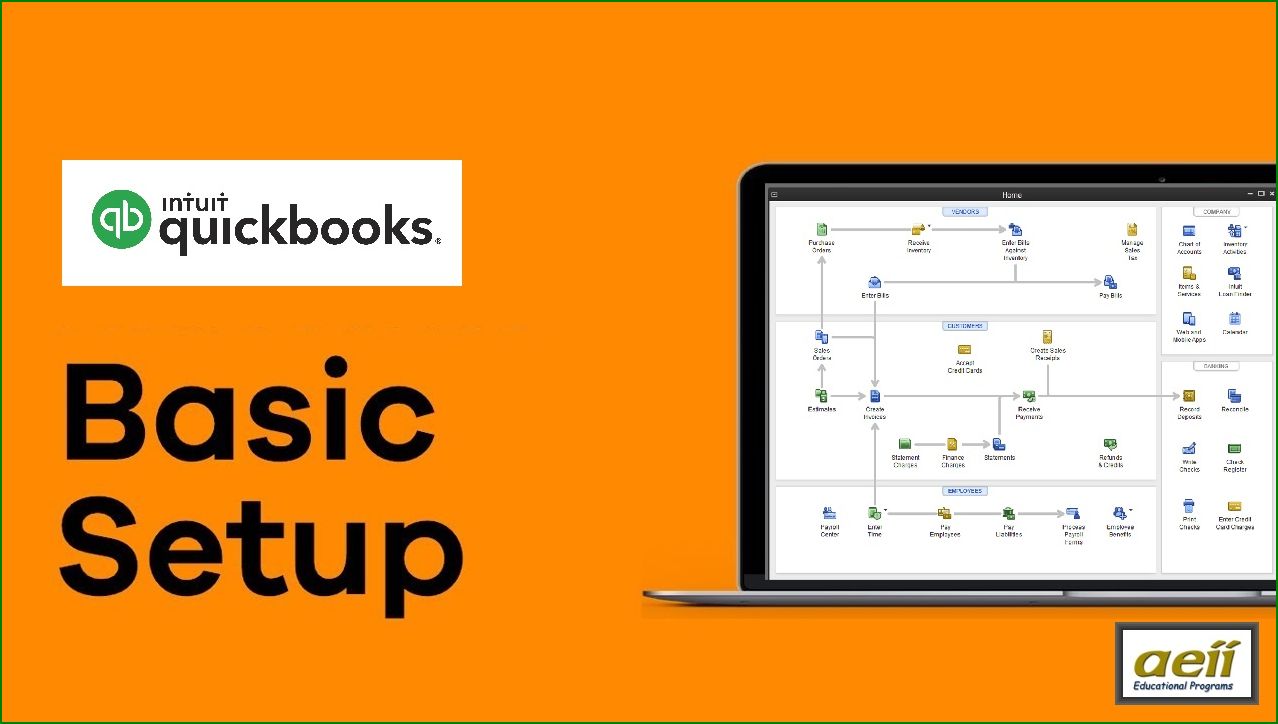
QuickBooks for the Collision Industry … Getting Started with QuickBooks

Original price was: $100.00.Current price is: $79.95.

Description

The perfect foundational course for new shop owners and beginning bookkeepers. We walk you through the critical first steps of setting up your company file from scratch. Learn how to navigate the interface, build a proper chart of accounts for the collision industry, and start processing invoices securely and accurately.

Available Programs
Certified Training Program
AEII Certified Curriculum Windows Server 2022 Cloud RDP Lab 90-Day Full Locker Access

Loading Training Program...

Master collision industry accounting, job-costing, Chart of Accounts (COA) mapping, and hands-on QuickBooks execution inside your dedicated Windows Server 2022 Cloud RDP Lab.
90-Day Access 24/7 On-Demand Curriculum
Cloud RDP Server Hands-On QuickBooks Lab
Instant Activation Immediate Student Locker
Official Diploma Final Exam & Certificate
Official Program Syllabus & Briefing

About This Training Program

Interactive Curriculum + Cloud RDP Lab

Core Training & Lab Architecture

Collision Industry Chart of Accounts Master standardized 4000-series Revenue & 5000-series COGS mapping for Parts, Labor, Paint, and Sublet.
Hands-On Windows Server 2022 RDP Lab Practice inside a live remote QuickBooks Desktop environment with pre-loaded repair orders (ITS Sample Co.qbw).
Structured Linear Module Progression Step-by-step modules, video demonstrations, and cognitive + practical review assessments that build real mastery.
Official Final Exam & Certification Complete your modules and pass the final certification exam to download your printable AEII / ITS Diploma.
Interactive Learning Environment

How Your Student Locker & Cloud RDP Lab Work

Unlike passive video courses, International Training Solutions (ITS) combines on-demand instruction with a real, cloud-hosted Windows Server 2022 Remote Desktop (RDP) lab so you can practice every transaction in real time.

01

Instant Student Locker Activation

Immediately after secure Authorize.net checkout, your personal Student Locker unlocks with your enrolled program, order receipt, and progress tracker.

02

3-Column Learning Workstation

Each module opens in our custom 3-column workstation featuring your syllabus on the left, video demonstrations in the center, and your Cloud RDP launcher on the right.

03

90-Day Real-Time RDP Lab Access

Once your instructor assigns your dedicated RDP credentials, your 90-day live countdown begins—giving you 3 full months of hands-on QuickBooks server practice.

Looking for Live Scheduled Classes or Upcoming Training Events? View our official live class calendar and scheduled workshops on our partner portal.
View Program Schedule
Career & Shop Impact

Skills You Will Master & Who Should Enroll

Collision Shop Owners & GMs

Understand true job-costing, departmental gross margin, and monthly P&L/Balance Sheet audits without relying on guesswork.

Automotive Bookkeepers & CPAs

Learn the exact collision repair accounting workflows to reconcile estimating systems with QuickBooks accurately.

Office Managers & Estimators

Eliminate parts invoice discrepancies, track supplements, and handle insurance/customer payments seamlessly.

Key Competency Milestones

Set up QuickBooks preferences, accrual rules, and user permissions specifically for collision repair operations.
Map 4000-series Revenue and 5000-series Cost of Goods Sold (COGS) to track Parts, Labor, Paint & Materials, and Sublet profitably.
Post daily Repair Orders (ROs), vendor bills, parts credits, and insurance payments inside the Cloud RDP practice company file.
Generate executive financial reports, complete module evaluations, and pass the final exam for official AEII / ITS certification.
Enrollment Questions

Frequently Asked Questions

As soon as your payment is processed via Authorize.net, your account is automatically created and you are directed straight to your Student Locker (/my-locker/). All enrolled modules and downloadable PDF invoices are available immediately.
Your 90-day (3-month) Cloud RDP timer does not start until your instructor assigns and activates your dedicated Windows Server 2022 RDP login credentials. Once activated, you will receive an instant email and see a live real-time countdown inside your Student Locker.
No! Your enrollment includes access to our hosted Windows Server 2022 Cloud RDP Lab, which already has QuickBooks and our sample collision repair company file pre-installed. You can connect from Windows, Mac, or directly through your web browser.
Yes. Your official itemized PDF receipt is available immediately after checkout and inside the Orders & Invoices section of your Student Locker. Upon completing the modules and passing the final exam, your printable PDF Certificate is unlocked in the Certificates & Scores tab.